Madcam: A Production AI Creative Studio for iOS
Built and launched by Gigabizon, Madcam combines native camera features, AI media generation, a multimodal chat assistant, mini-app generation, in-app purchases, backend credit management, and App Store compliance.
Overview
Madcam is a native iOS creative suite for content creators, photographers, and consumers who want advanced AI creative tools directly on their phone.
Features
What Madcam Includes
Camera
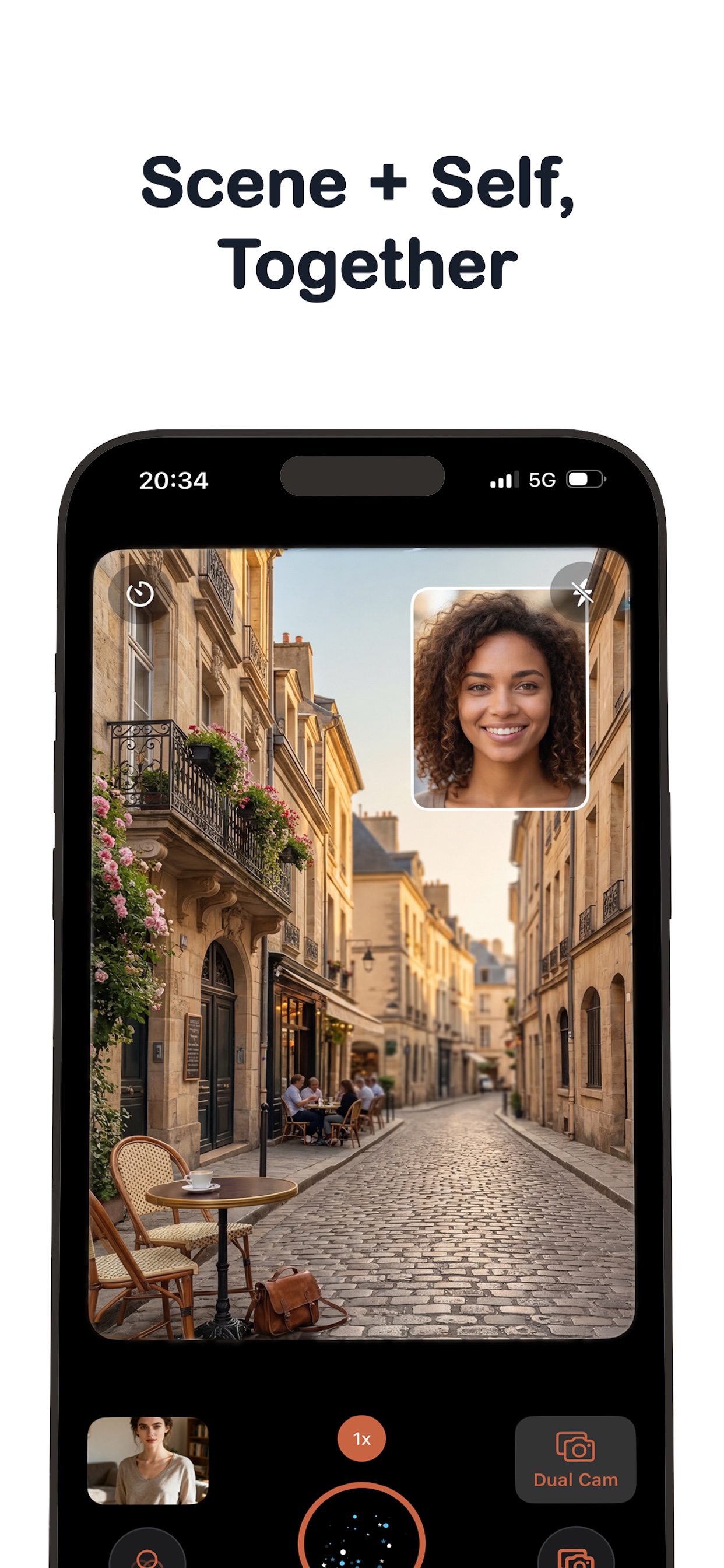
- Rear, front, and dual-camera capture
- AVFoundation camera experience
- Zoom, focus, exposure, flash, timer, and hardware shutter support
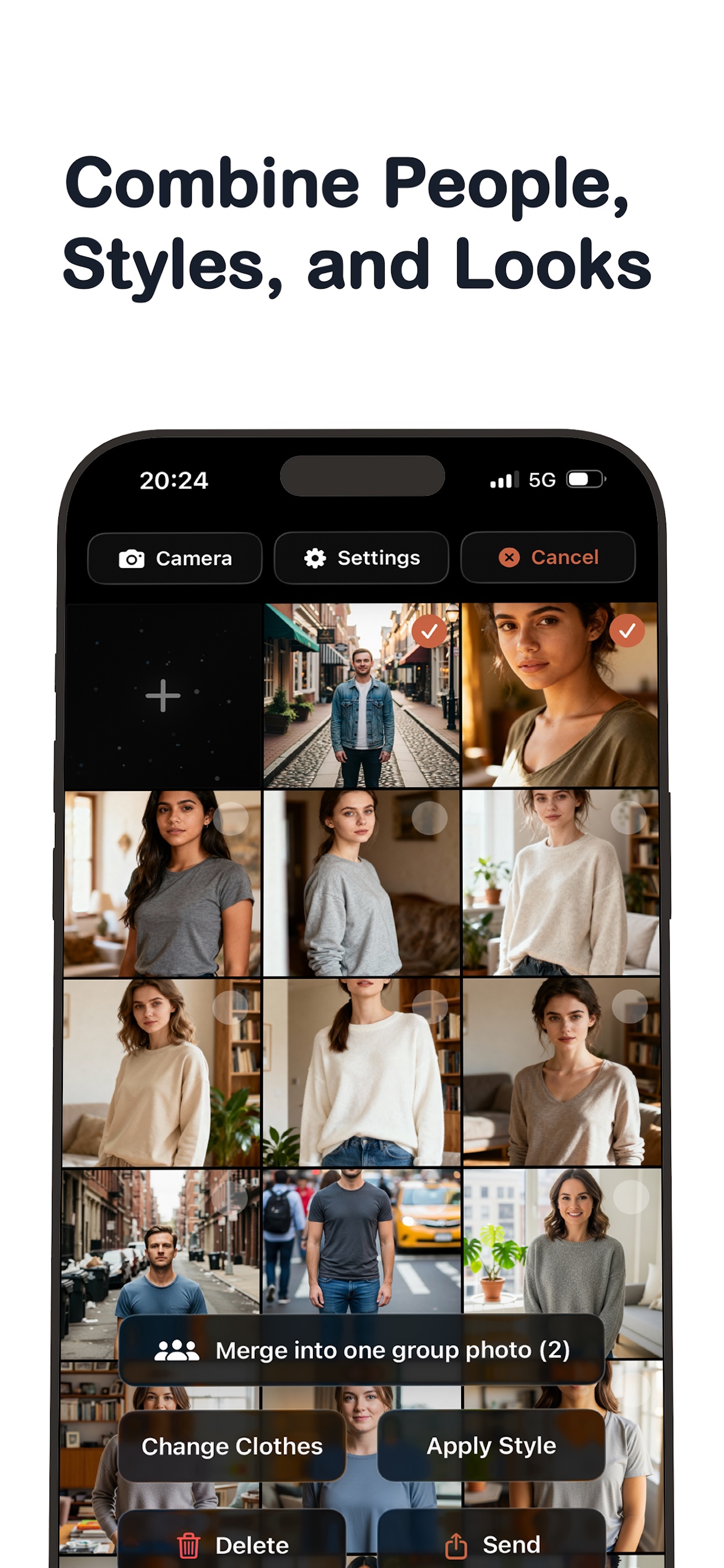
AI Photo Editing
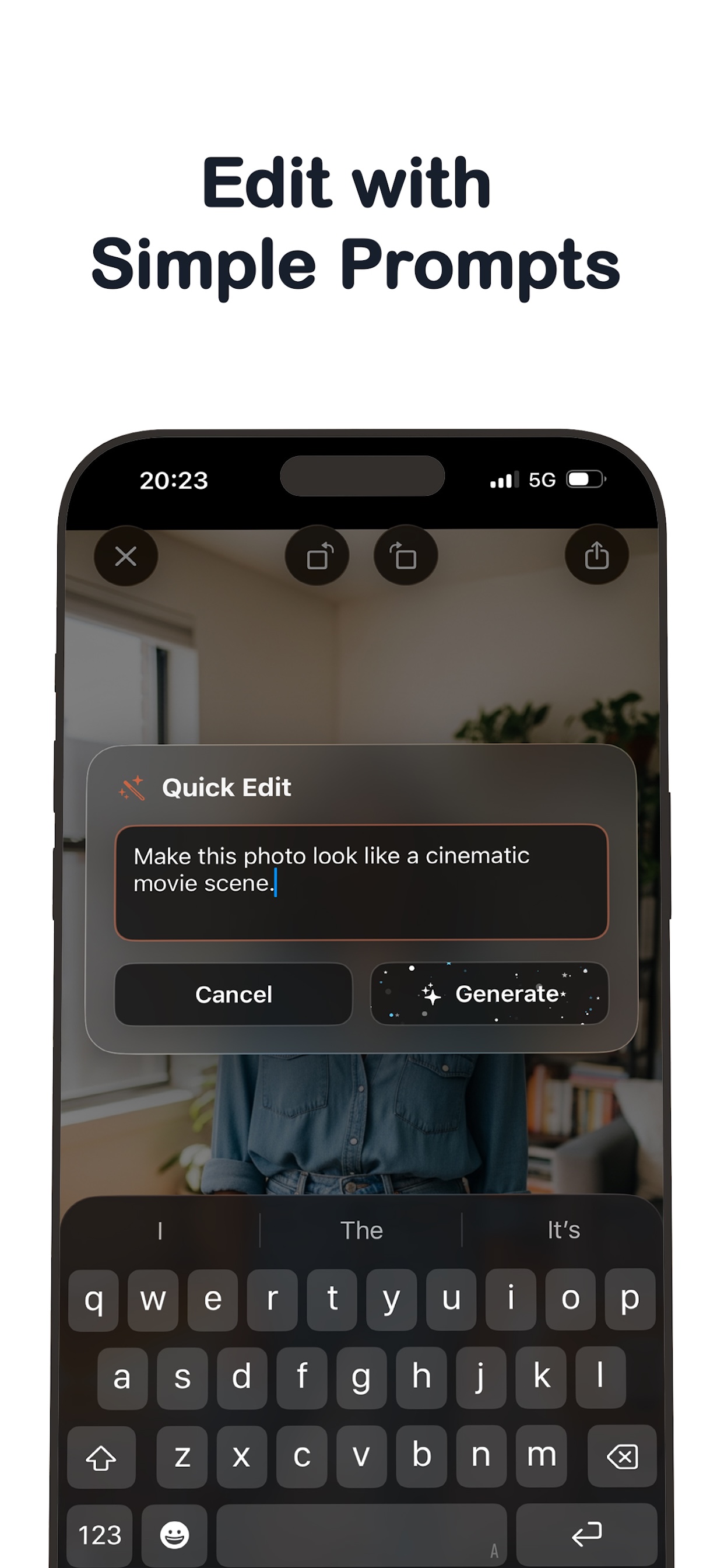
- Text-to-edit
- Voice-to-edit
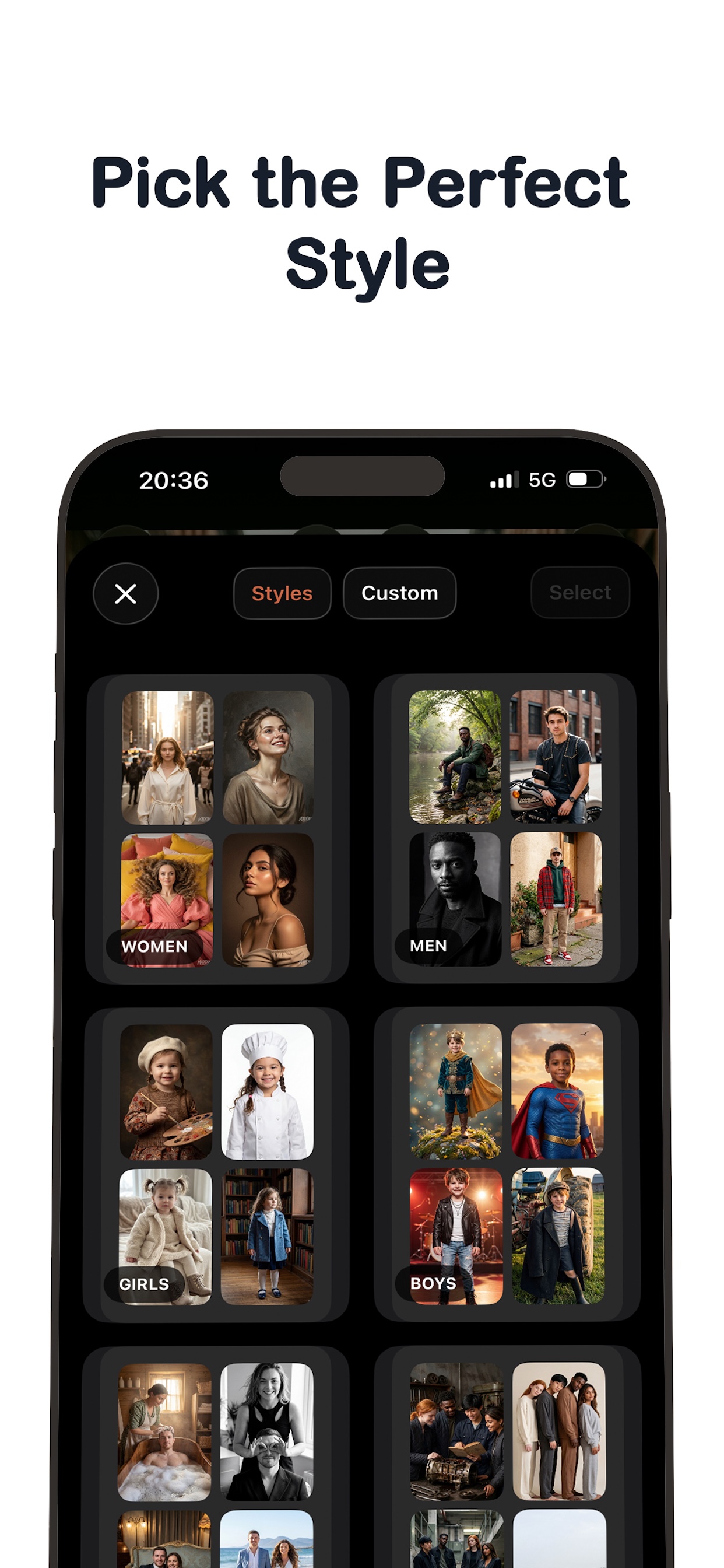
- Curated style presets
- Before/after comparison
- AI image classification
AI Generation
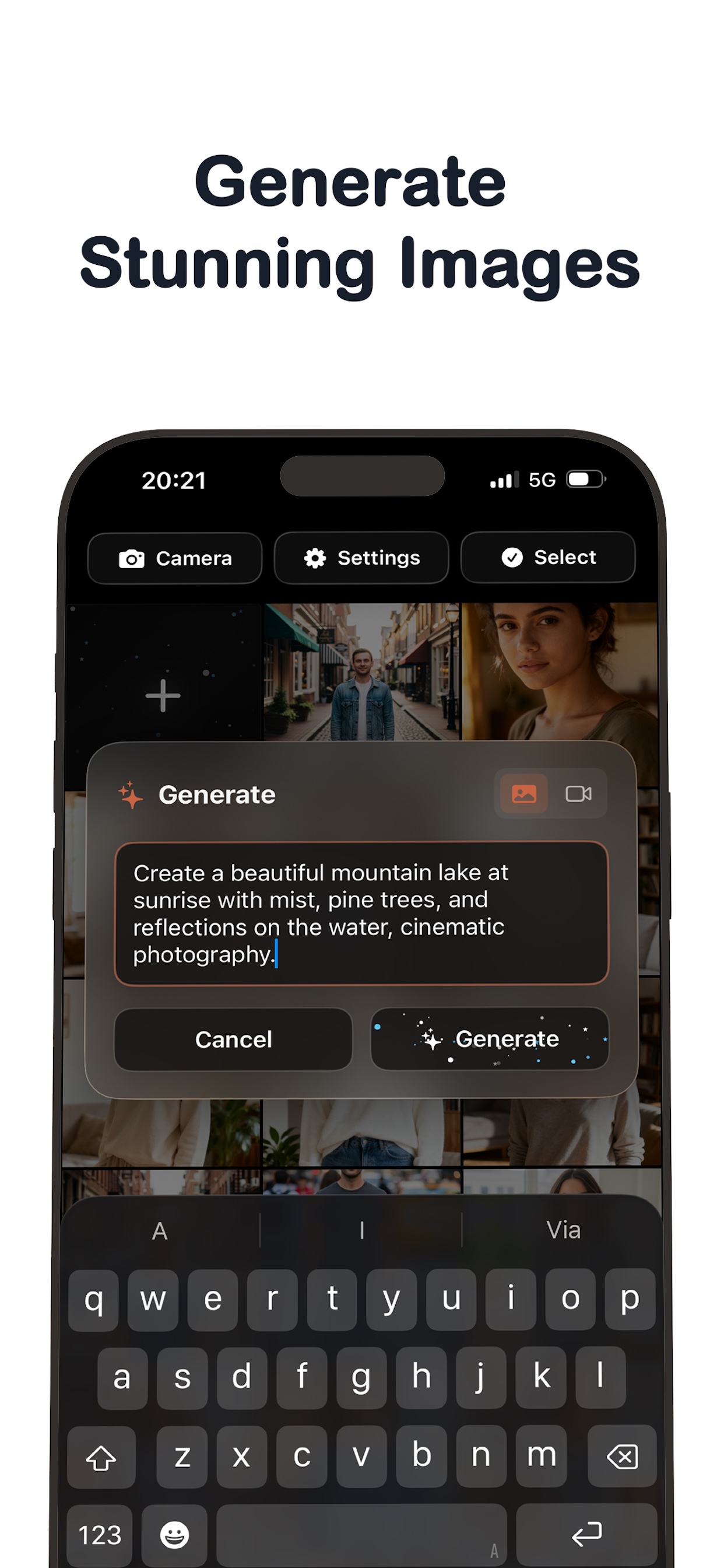
- Text-to-image
- Text-to-video
- Image-to-video
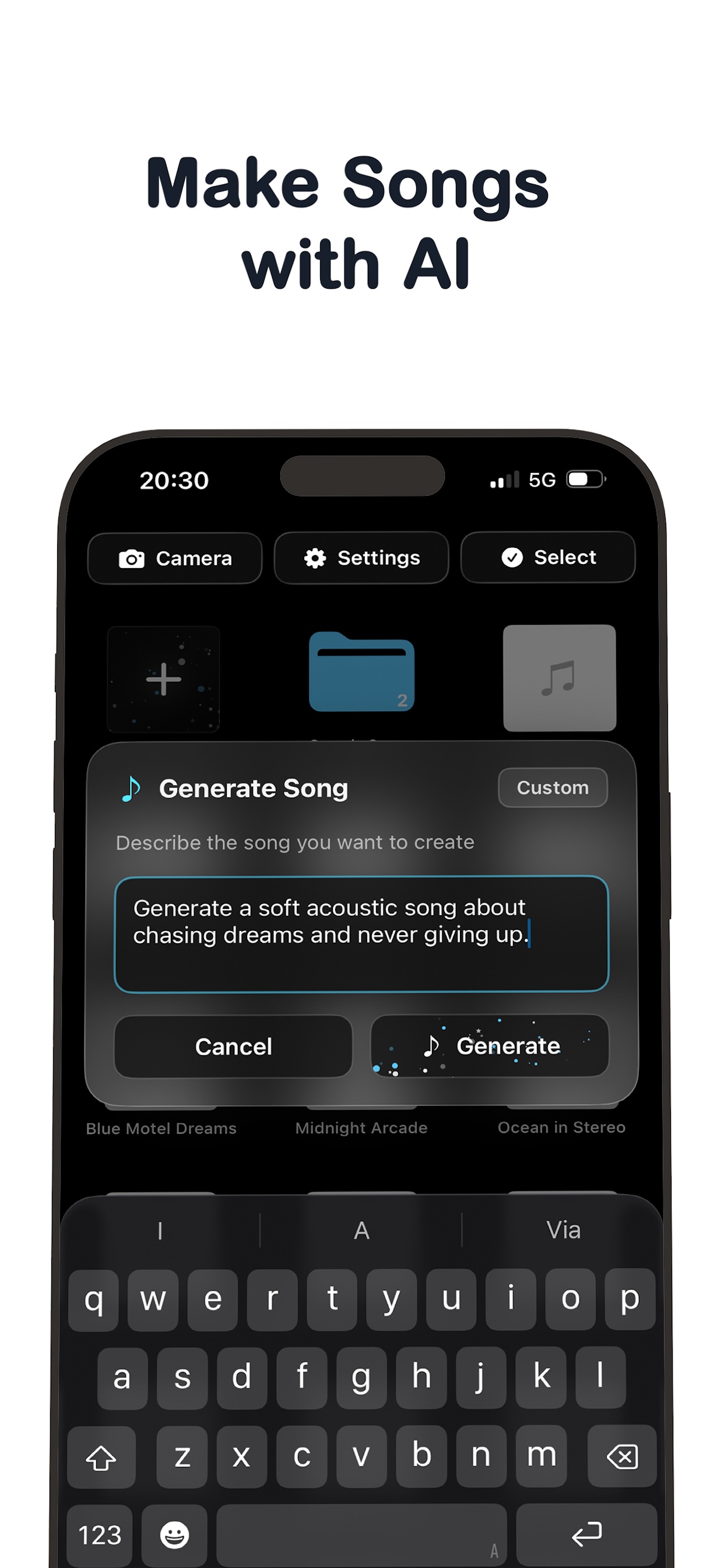
- Text-to-song
- Voice-to-song
Music
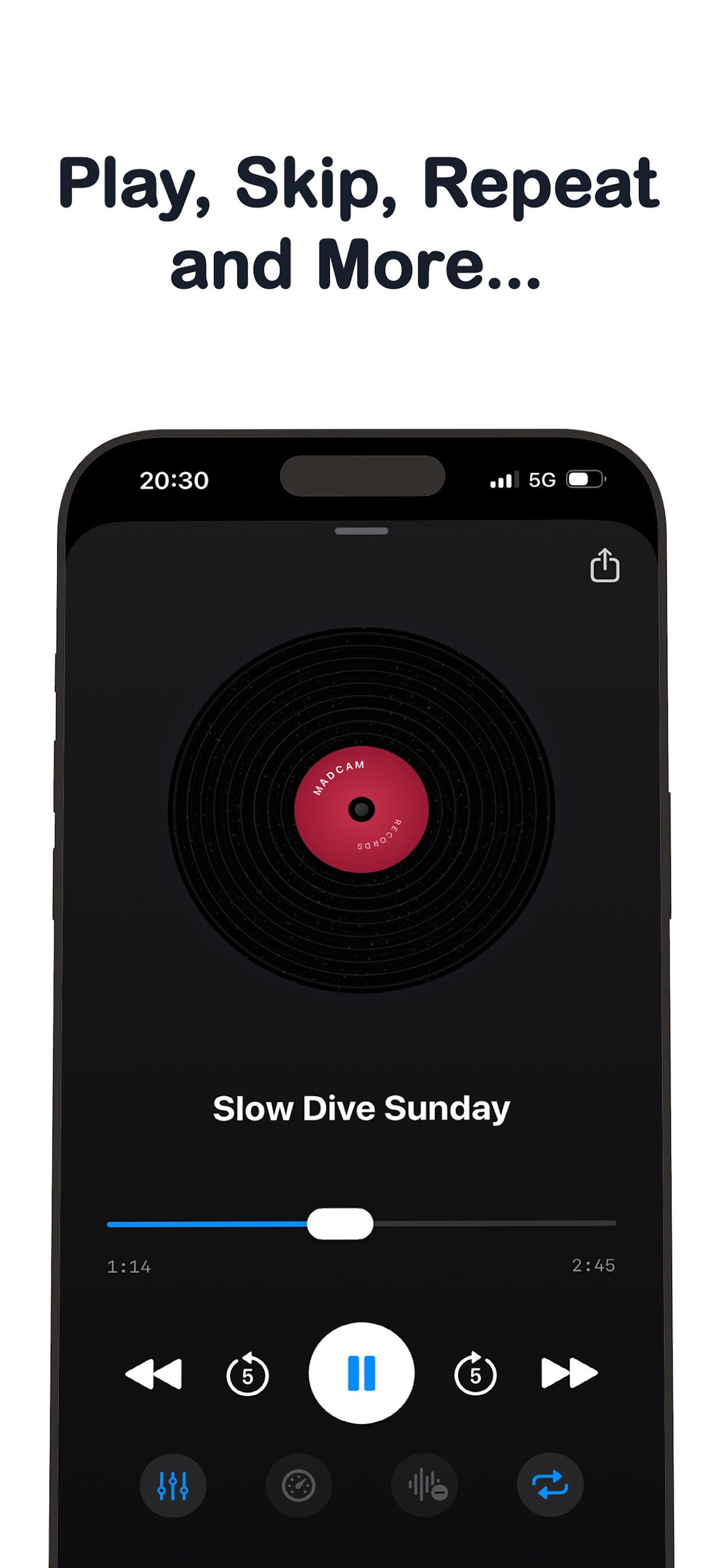
- Built-in music player
- Background playback
- Lock screen controls
- Equalizer/effects
- Song-to-video export
Chat
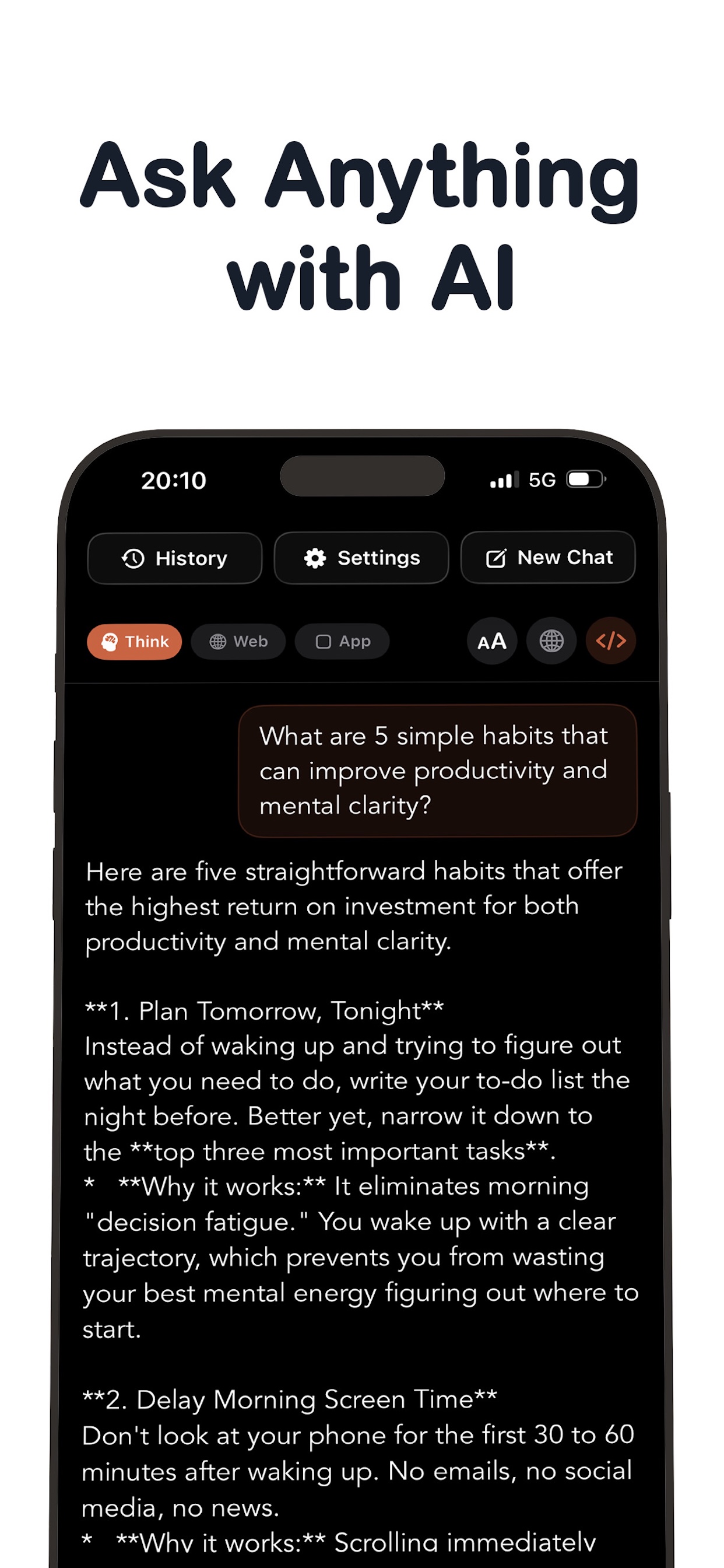
- Multimodal AI chat
- Attachments
- Text-to-speech
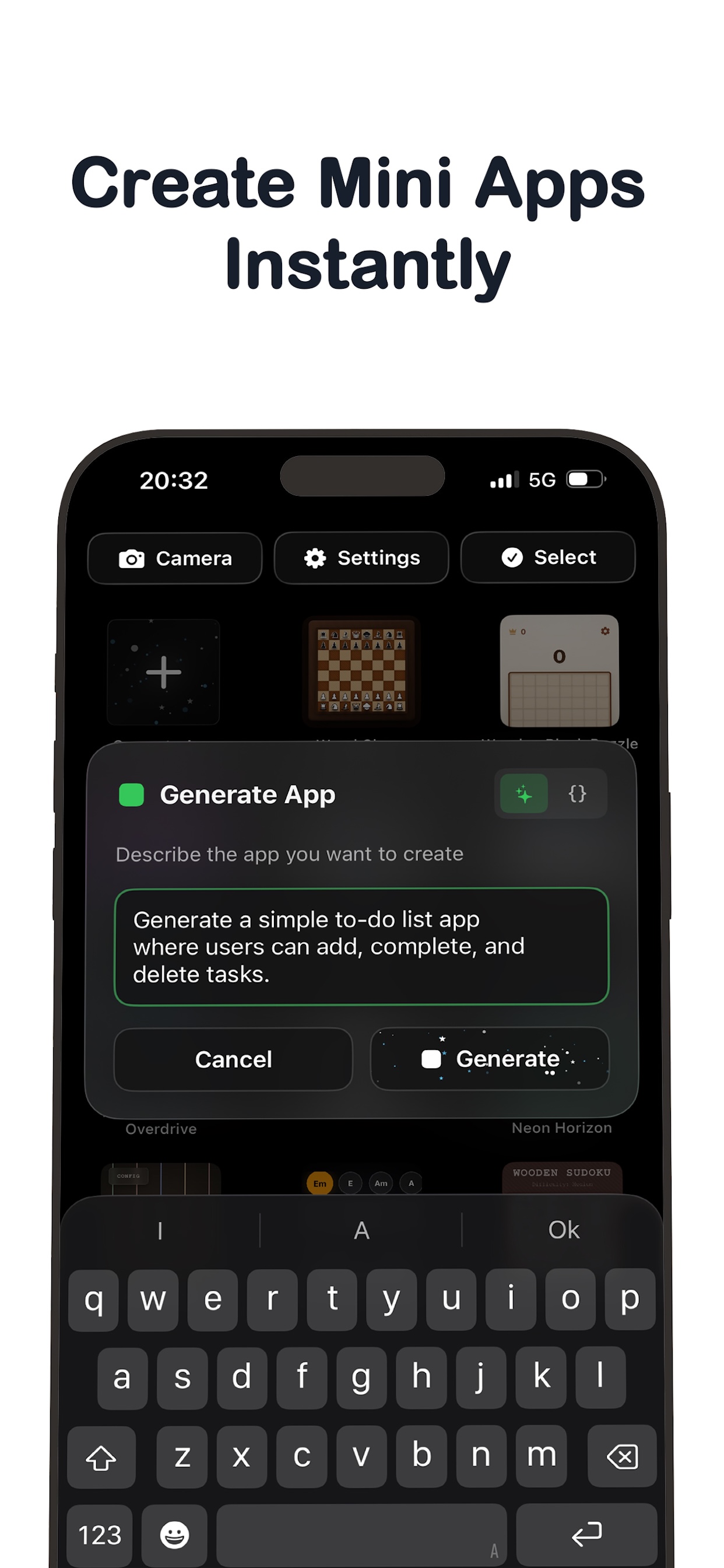
- App mode for AI-generated mini-apps
Backend and Monetization
- StoreKit 2 purchases
- Server-verified credits
- Firebase backend
- Cloud Functions
- Cloud Run FFmpeg transcoding
- Push notifications
- Admin/ops functions
Compliance
- Privacy flows
- AI data consent
- Account deletion
- App Store review preparation
- iPad support
Scale
Technical Scale
122
Swift files
~75K–85K
Lines of Swift
~9,800
Lines of backend Cloud Functions
51
Exported backend functions
649
Curated AI style presets
50
Music genre presets
6
In-app purchase tiers
Figures represent the current product scope and are provided as a high-level complexity indicator.
The Challenge
Madcam required more than UI development. It needed native camera engineering, AI provider integrations, background job handling, server-side billing, media rendering, App Store compliance, and ongoing post-launch support.
The Result
Madcam launched on the Apple App Store and continues to receive active updates, bug fixes, and product improvements.
Want to build a serious iOS app?